الصور المرجعية في LumenPro: تحكم كامل في الأسلوب وتوليد متعدد الصور
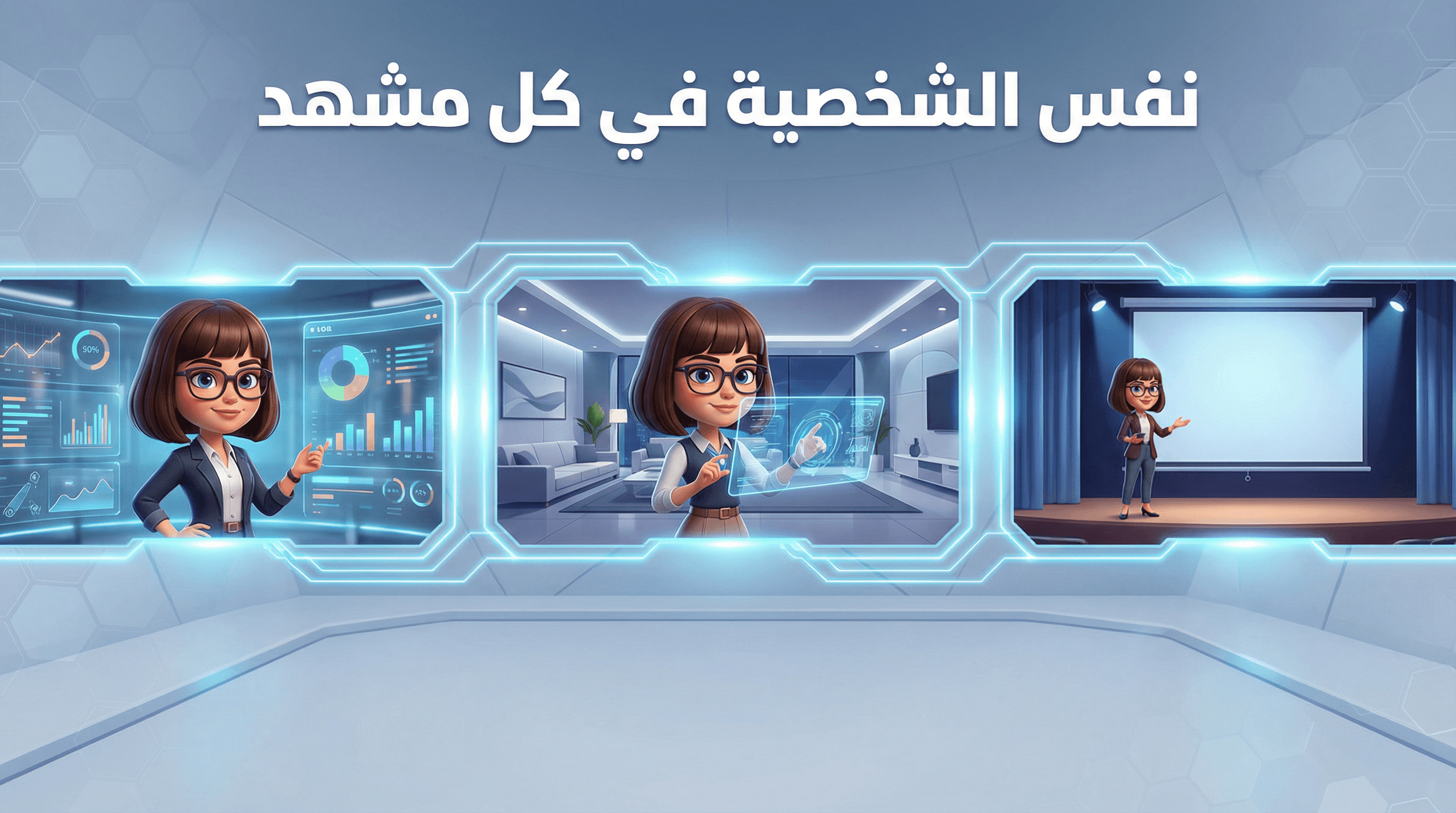
الصور المرجعية في لومن برو
ثبات في الأسلوب. تحكم أعلى. نتائج أدق.
توليد الصور بالذكاء الاصطناعي قوي… لكن أكبر تحدي كان دائمًا: الثبات.
كيف تحافظ على نفس الشخصية في أكثر من مشهد؟
كيف تضمن أن الهوية البصرية لعلامتك تبقى متناسقة؟
كيف تطور نتيجة ناجحة بدون إعادة البدء من الصفر؟
لهذا أطلقنا ميزة الصور المرجعية.
ما هي الصور المرجعية؟
الصور المرجعية تتيح لك توجيه النموذج باستخدام صورة أو عدة صور كأساس بصري.
يمكنك الآن:
-
-
-
رفع صورك الخاصة
-
اختيار من آخر 12 صورة أنشأتها
-
استخدام عدة صور في نفس التوليد (على النماذج المدعومة)
-
إبقاء الصور المرجعية مفعلة بين كل عملية توليد
-
-
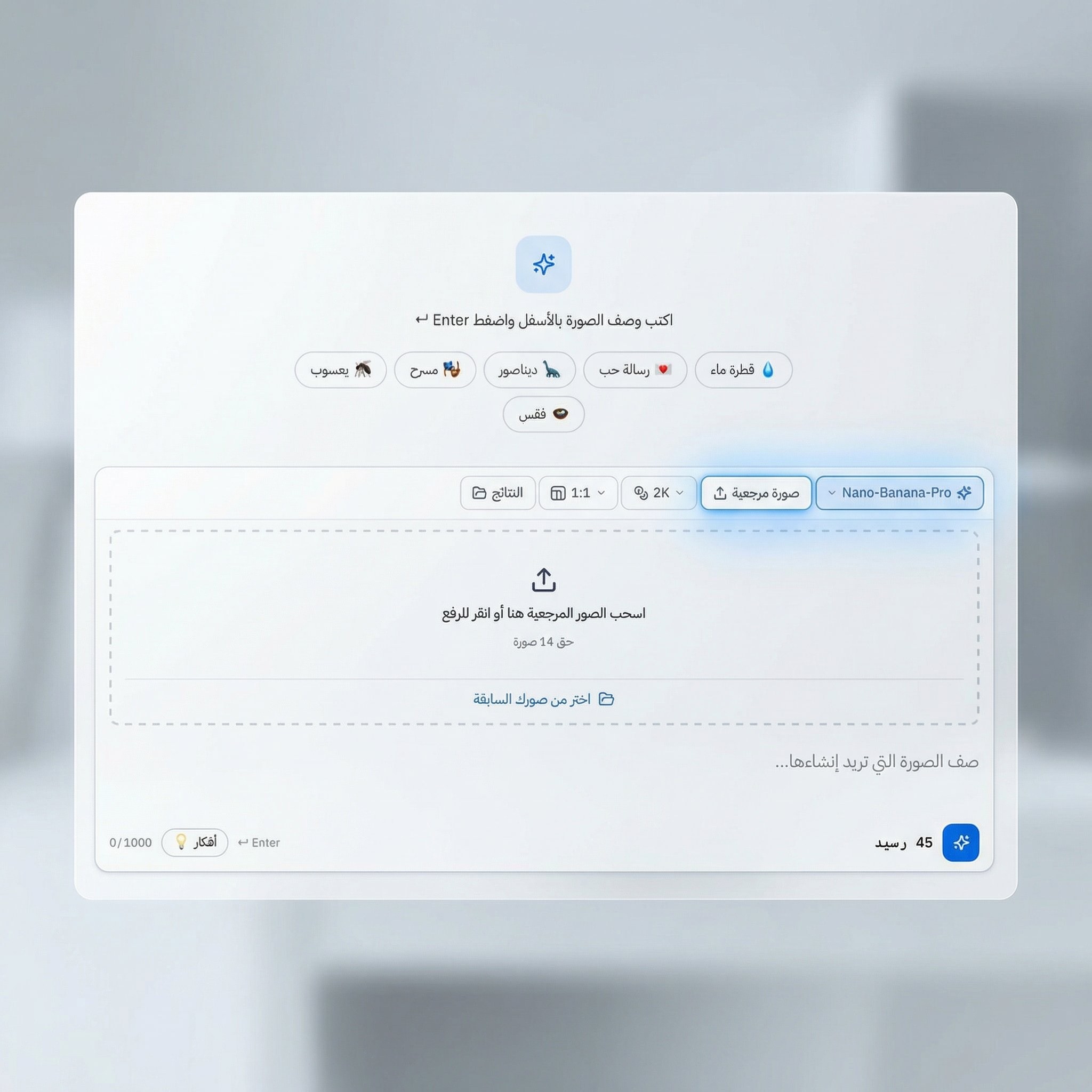
النتيجة؟
تحكم مباشر بدل الاعتماد فقط على البرومبت النصي.
النماذج التي تدعم الصور المرجعية
عند اختيار نموذج يدعم الصور المرجعية، سيظهر لك خيار Reference تلقائيًا.
النماذج المدعومة حالياً:
-
Nano-Banana-Pro — حتى 14 صورة
-
seedream4.5 — من 1 إلى 10 صور
-
GPT1.5 — عدة صور إدخال
كيف تستخدم الميزة؟
-
اختر نموذج يدعم Reference
-
اضغط على Reference
-
أضف صورك (رفع من الجهاز أو اختيار من صورك السابقة)
-
اكتب البرومبت
-
اضغط Generate
يمكنك بعدها تعديل النص وإعادة التوليد فورًا بدون إعادة إضافة الصور.
استخدامات عملية وقوية
1️⃣ نفس الشخصية في مشاهد متعددة
ارفع صورة شخصية مرة واحدة،
ثم غيّر المكان أو الملابس أو الإضاءة.
مثالي لـ:
-
صناع المحتوى
-
القصص المصورة
-
الحملات الإعلانية
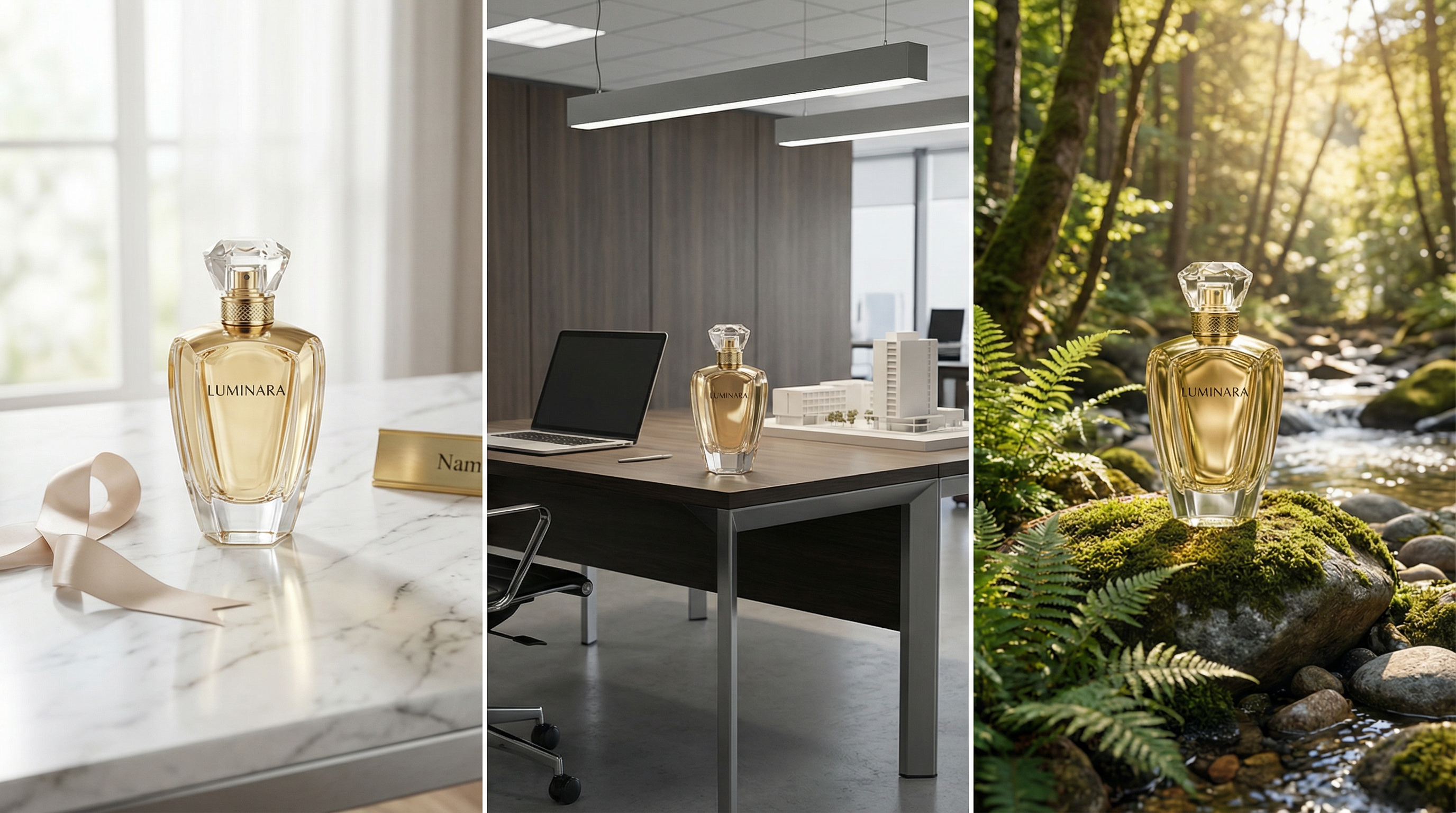
2️⃣ عرض المنتج في بيئات مختلفة
ارفع صورة منتجك،
وأنشئ مشاهد جديدة حوله:
رخام فاخر، مكتب عصري، طبيعة خارجية.
مثالي لـ:
-
المتاجر الإلكترونية
-
الإعلانات
-
إنشاء موك أب سريع
3️⃣ الحفاظ على هوية بصرية ثابتة
استخدم 2–3 صور Moodboard
للحفاظ على نفس الإضاءة والألوان والتكوين.
مناسب لـ:
-
فرق التسويق
-
المصممين
-
الوكالات الإبداعية
4️⃣ إنشاء تسلسل بصري أو Storyboard
أضف عدة صور مرجعية لشخصية أو مكان،
وأنشئ مشاهد متعددة بنفس الهوية.
مثالي لـ:
-
صناع الفيديو
-
Concept Artists
-
التخطيط للحملات
5️⃣ تطوير أفضل نتائجك
بدون تنزيل وإعادة رفع.
اختر من آخر 12 صورة أنشأتها وابدأ بالبناء عليها.
Workflow أسرع.
نتائج أكثر دقة.
تكرار ذكي.
لماذا هذه الميزة مهمة؟
قبل الصور المرجعية، كان الحفاظ على الثبات يعتمد على مهارة كتابة البرومبت.
الآن أصبح لديك:
-
توجيه بصري مباشر
-
دعم لعدة صور
-
استمرارية بين كل عملية توليد
-
سرعة في التطوير والتعديل
لم تعد تخمّن النتيجة…
أنت تقودها.
الخلاصة
ميزة الصور المرجعية تحوّل LumenPro من أداة توليد صور إلى نظام تحكم إبداعي.
إذا كنت تصنع محتوى، تطور علامة تجارية، أو تبني حملة بصرية —
هذه الميزة تعطيك الثبات والاحترافية التي كنت تحتاجها.
ابدأ باستخدام الصور المرجعية اليوم…
وارتقِ بتجربتك في توليد الصور.
أعجبك المقال؟
شاركه مع أصدقائك وساهم في نشر المعرفة.
احصل على آخر التحديثات
اشترك في نشرتنا الإخبارية لتصلك أحدث المقالات والدروس التعليمية.
ابدأ رحلتك الإبداعية
انضم إلى LumenPro وحوّل أفكارك إلى صور مذهلة في ثوانٍ.